
How to Keep a Gaming PC Cool in UAE Heat
Short answer: a gaming PC in the UAE needs more airflow and more frequent cleaning than the same PC in Europe. Room temperature and fine dust are the two problems. Plan the cooling for your room, use dust filters, and keep the PC off the floor.
Why PCs run hotter in the UAE
- Warm rooms: a PC can only cool itself down to the temperature of the room. Every degree warmer in the room means a warmer CPU and GPU. Rooms where the AC is off during the day can be well over 30°C when you start playing.
- Fine dust: desert dust gets through small gaps and settles on heatsinks and fans. A thin layer is enough to raise temperatures noticeably.
- Long sessions: a GPU heats up over the first 20 to 30 minutes of gaming. A short benchmark doesn't show this.
Safe temperatures under load
| Part | Comfortable | Check your cooling |
|---|---|---|
| CPU | Under 85°C | Above 90°C |
| GPU (core) | Under 80°C | Above 85°C |
| SSD | Under 70°C | Above 75°C |
When a part gets too hot, it slows itself down to stay safe. You see this as stutter or lower FPS after a while of playing.
How to keep a gaming PC cool in Dubai
1. Pick a case with a mesh front
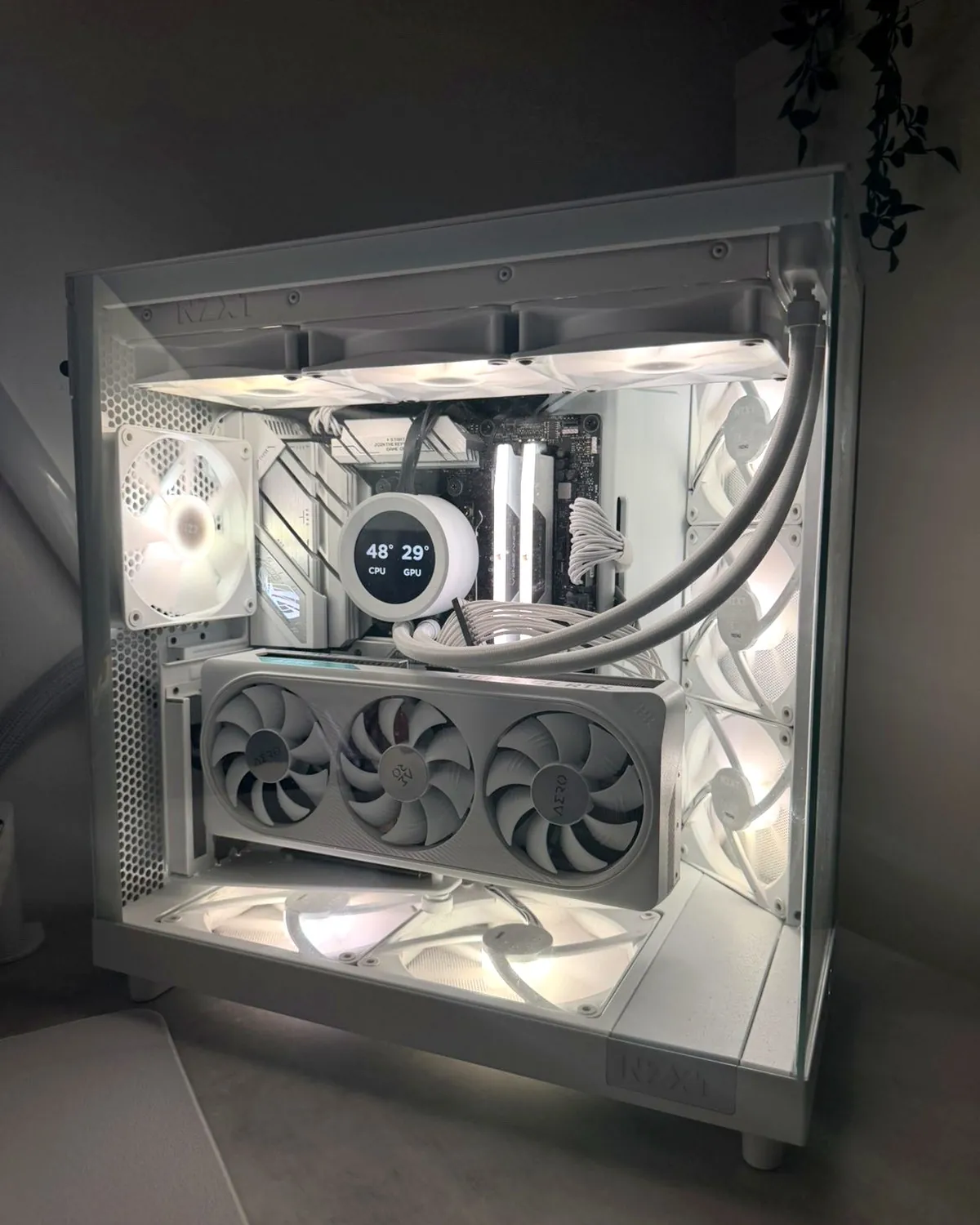
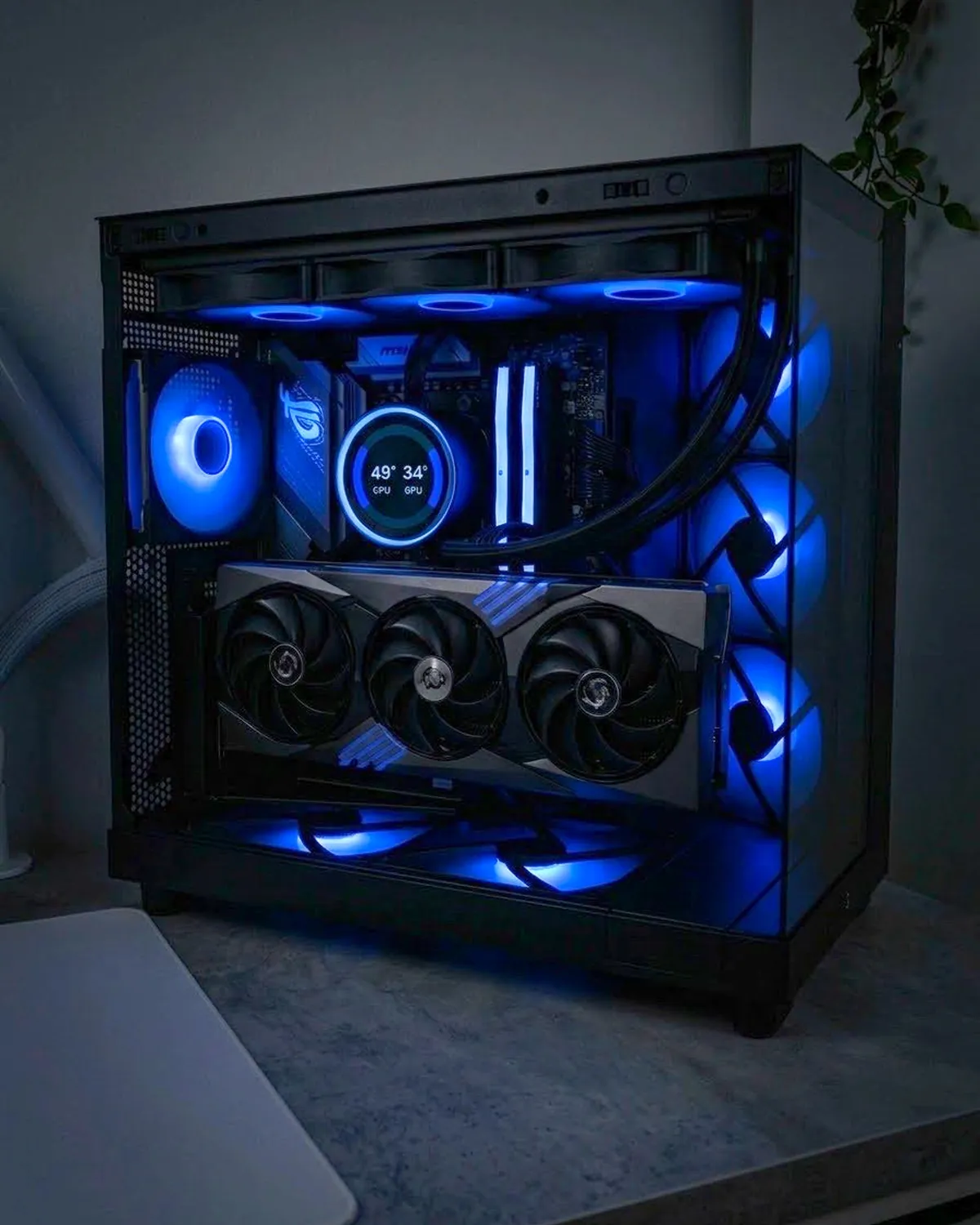
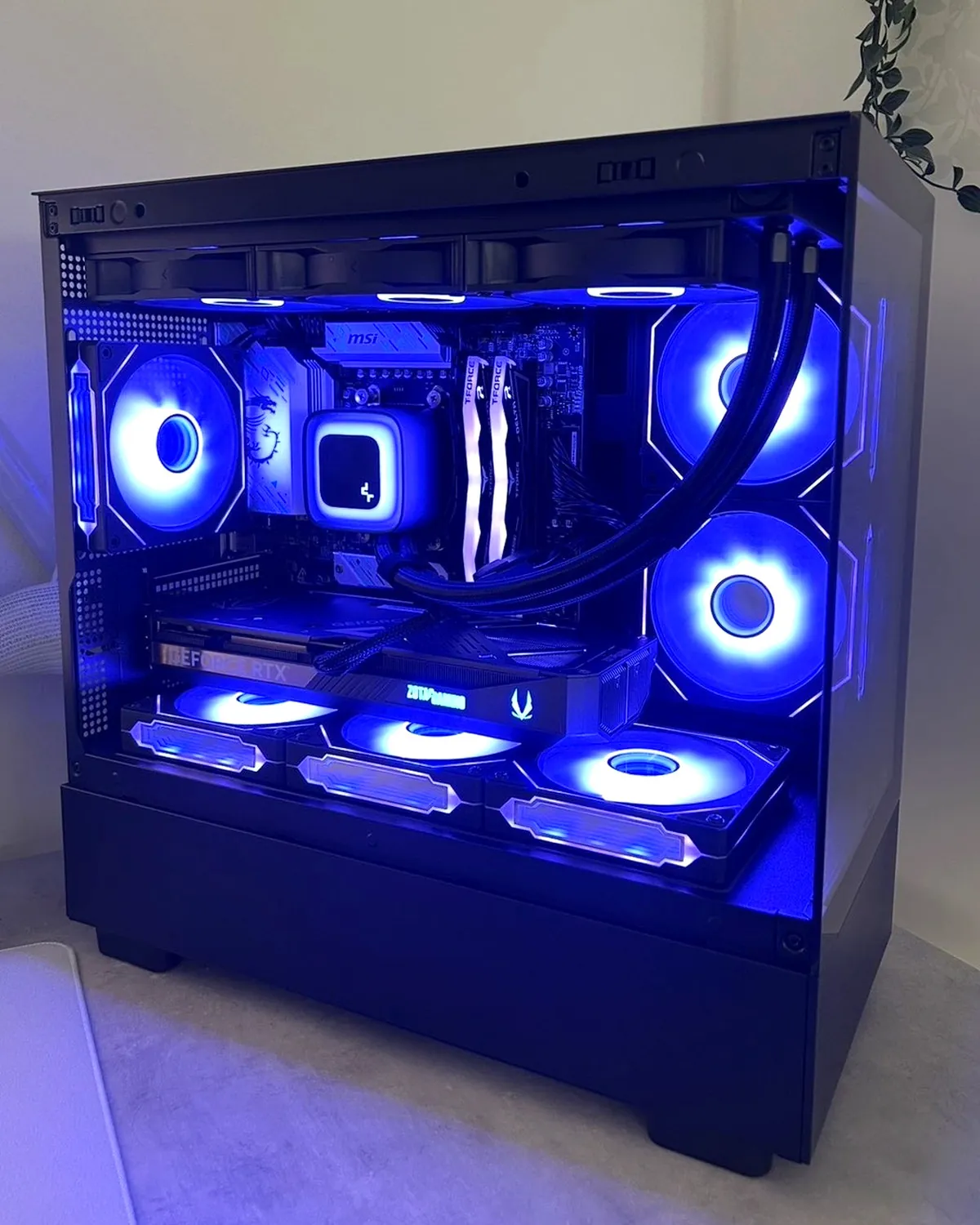
Solid glass fronts look good but cut airflow. A mesh front with two or three intake fans makes the biggest difference of any single choice.
2. Use slight positive pressure
Set up a little more intake airflow than exhaust. Air then leaves through the gaps in the case instead of being pulled in through them, so more of it passes through the filters and less dust gets inside.
3. Size the CPU cooler for the chip and the room
- Ryzen 5 / mid-range CPUs: a good tower air cooler is plenty.
- Ryzen 7 9800X3D: a large dual-tower air cooler or a 280mm or 360mm liquid cooler.
- Ryzen 9 / Intel Core Ultra 9 for work: a 360mm liquid cooler.
4. Choose a GPU model with a big cooler
The same GPU chip comes in many versions. Triple-fan models with thick heatsinks run cooler and quieter than compact ones.
5. Undervolt
Most modern CPUs and GPUs run at a higher voltage than they need. A careful undervolt cuts heat and noise with little or no loss in FPS. I tune this during the build and test it under load.
6. Keep it off the carpet and away from walls
Leave at least 10cm behind and above the case. On a carpet, the bottom intake pulls in fibre and dust.
7. Clean on a schedule
Rinse or brush the dust filters every 1 to 2 months. Every 3 to 4 months, blow out the heatsinks with an air blower while holding the fans still.
How I test every build for heat
Every ACD Builds PC gets a 4-hour CPU and GPU stress test before delivery, with temperatures logged. Cooling is planned for UAE rooms, not a lab. You get the results with your PC. If temperatures aren't where they should be, the build doesn't leave.
Already own a PC that runs hot? I do upgrades and rebuilds too. Send me a photo of the inside on WhatsApp.
Common questions
What is a safe CPU and GPU temperature for gaming?
Under a long gaming session, most modern CPUs are comfortable up to about 85°C and most graphics cards up to about 80°C. Higher than that usually means poor airflow, dust or a weak cooler.
Do I need liquid cooling in Dubai?
Not always. A good air cooler in a case with strong airflow is enough for most gaming builds. A 280mm or 360mm liquid cooler helps for high-end CPUs, small cases or rooms that get warm when the AC is off.
How often should I clean my PC in the UAE?
Clean the dust filters every 1 to 2 months and give the inside a full clean every 3 to 4 months. Dust builds up faster in the UAE than in most climates.
- Hand-built in Dubai
- Stress-tested before delivery
- 1-year warranty, parts and labour
- Free delivery across the UAE
- Free 14-day returns
- Quote on WhatsApp within 2 hours